The Nginx ngx_http_slice_module is a filter module that splits a request into subrequests, each returning a specific range of a response to provide more effective caching of big responses.
What ngx_http_slice_module Does
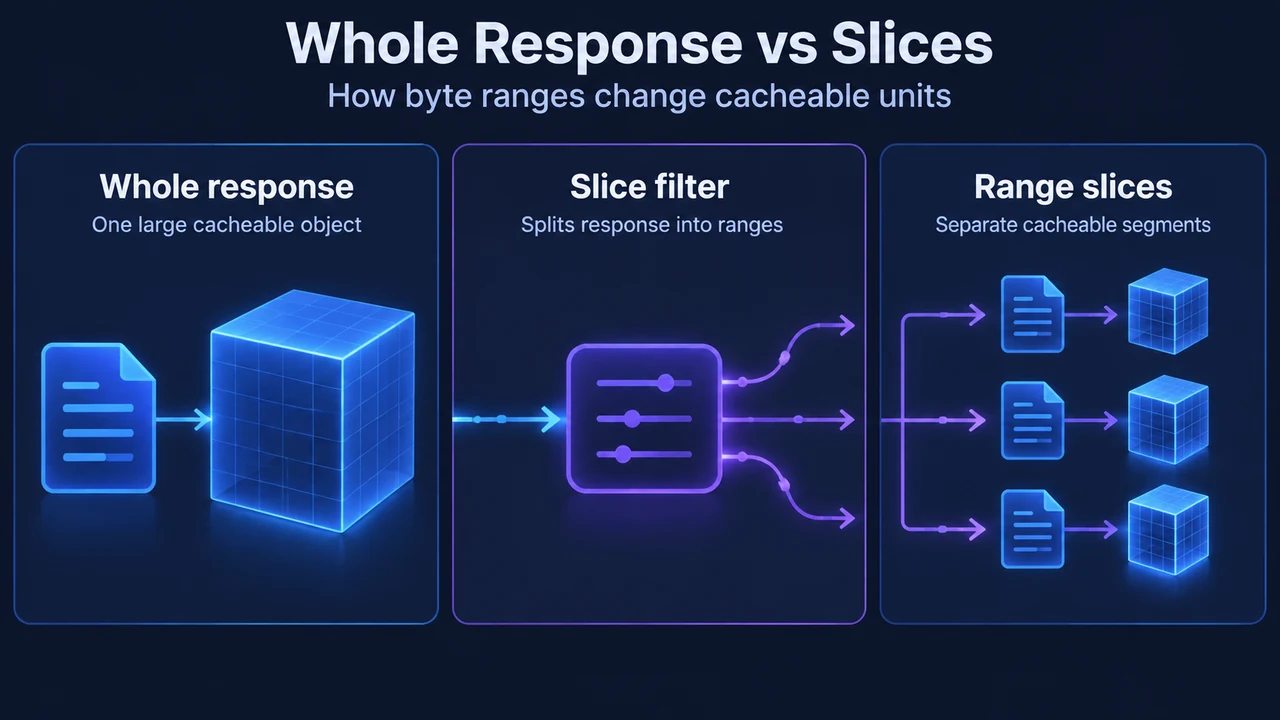
Introduced in Nginx 1.9.8, the ngx_http_slice_module operates as a filter that divides a request into subrequests. Each subrequest fetches a defined range of the response, enabling more effective caching of large responses.
According to the official documentation, the module is not built by default and must be enabled at build time using the --with-http_slice_module configuration parameter.
Configuration Directives
Configuring the slice filter involves setting the slice size, passing the range variable, and updating cache parameters inside an http, server, or location block:
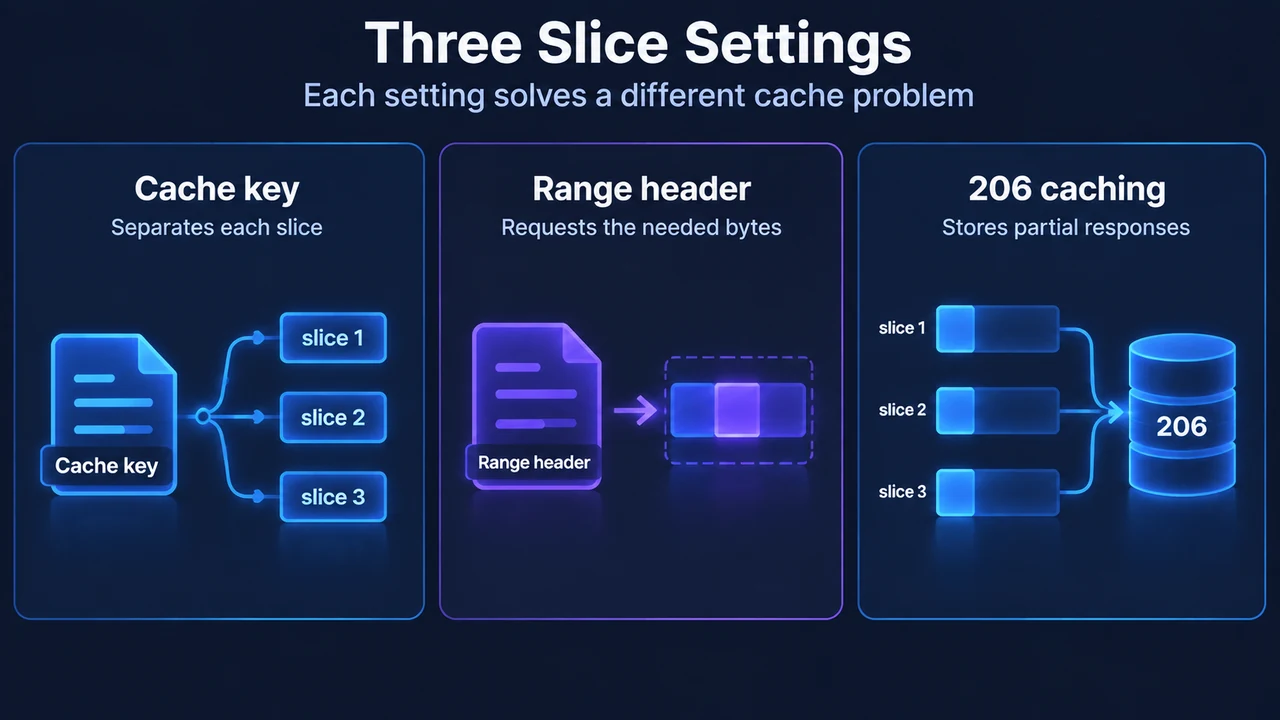
slice size;: Sets the slice size. The default value isslice 0;, which disables splitting responses into slices. Setting a non-zero size instructs Nginx to divide responses into slices of that specified size.proxy_set_header Range $slice_range;: Passes the$slice_rangevariable to the proxied server as theRangerequest header field so that each subrequest returns the required range. The embedded variable$slice_rangerepresents the current slice range in HTTP byte range format (for example,bytes=0-1048575).proxy_cache_key: When caching is enabled,$slice_rangeshould be added to the cache key (for example,$uri$is_args$args $slice_range).proxy_cache_valid 200 206 1h;: When caching is enabled, caching of responses with HTTP status code206should be enabled alongside200.
Example Configuration
The primary reference configuration illustrates splitting responses into 1-megabyte cacheable slices:
location / {
    slice 1m;
    proxy_cache cache;
    proxy_cache_key $uri$is_args$args $slice_range;
    proxy_set_header Range $slice_range;
    proxy_cache_valid 200 206 1h;
    proxy_pass http://localhost:8000;
}
In this example, the response is split into 1-megabyte cacheable slices and cached using the configured cache key and header settings.
Documented Operational Considerations and Limitations
The reference documentation identifies several operational constraints:
- Slice Sizing Considerations: Setting a slice value that is too low may result in excessive memory usage and the opening of a large number of files.
- Background Cache Update Subrequests: Under documented known issues, the module currently does not work as expected in subrequests such as background cache updates. In this case, a request is constructed without byte-range support.
- Required Cache and Proxy Settings: For subrequests to return the required range,
$slice_rangemust be passed in theRangerequest header field to the proxied server. If caching is enabled,$slice_rangemust be included in the cache key, and caching of responses with the206status code must be enabled.
Research Method and Limitations
This technical summary was prepared solely from the supplied public documentation excerpt for ngx_http_slice_module and a secondary blog excerpt. Competing coverage was truncated and could not be used to independently establish operational claims or verify unseen context. No empirical benchmarks, performance tests, or unverified operational mechanisms were evaluated.
Text version of the diagrams
- Whole Response vs Slices: Whole response — One large cacheable object; Slice filter — Splits response into ranges; Range slices — Separate cacheable segments
- Three Slice Settings: Cache key — Separates each slice; Range header — Requests the needed bytes; 206 caching — Stores partial responses