On Linux systems using systemd, persistent journal disk usage is bounded by directives configured in the [Journal] section of journald configuration files. This reference explains how systemd-journald evaluates size thresholds, how synchronous enforcement handles archived versus active files during vacuuming, and how drop-in directories override main configuration settings.
Configuration Scope and Journal Directory Rules
Persistent storage configuration options prefixed with System* apply only when /var/ is mounted and writable, and the directory /var/log/journal exists. When those conditions are not met—such as during early boot before /var/ is mounted and writable, or if persistent logging is disabled—runtime options prefixed with Runtime* apply to volatile storage in /run/log/journal.
When calculating current disk usage, journalctl and systemd-journald ignore all files whose names do not end with .journal or .journal~. Only files ending with these suffixes in the journal directory are counted toward usage limits.
Evaluating SystemMaxUse and SystemKeepFree
Storage consumption in persistent journal directories is governed by two limits:
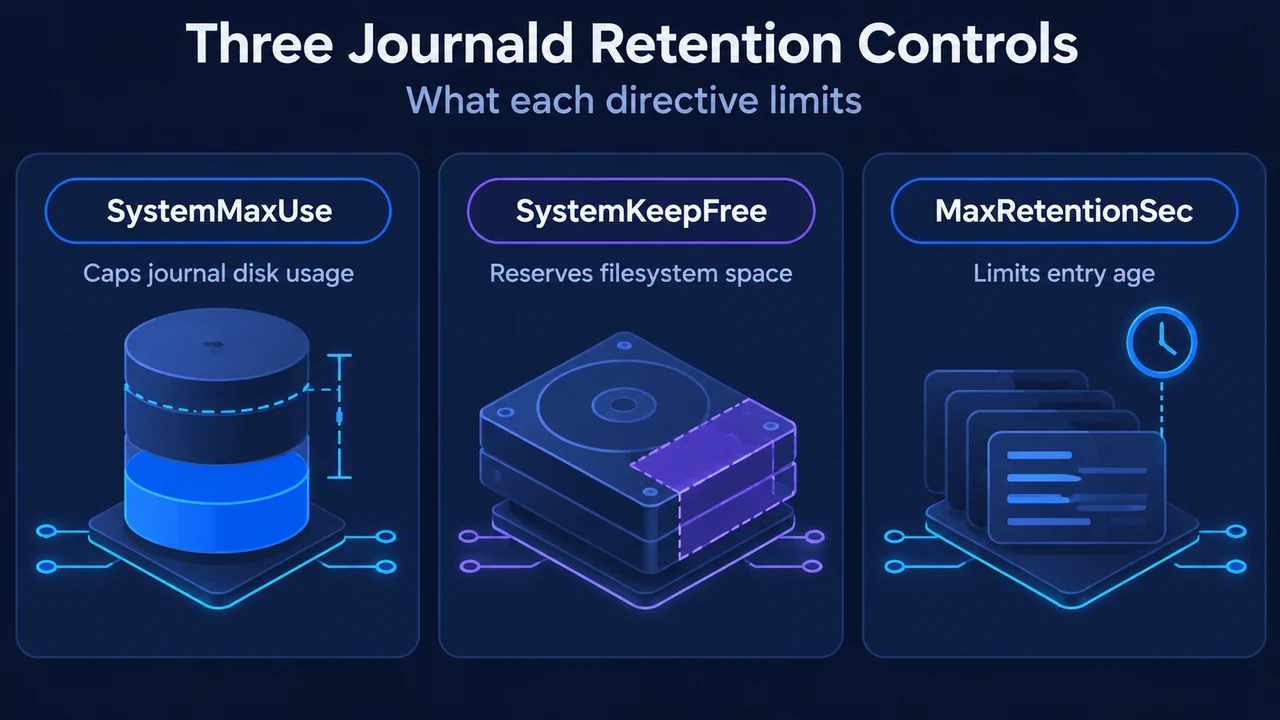
SystemMaxUse=specifies the maximum disk space journal files may occupy. It defaults to 10% of the underlying filesystem size, capped at a maximum default of 4G.SystemKeepFree=specifies how much disk spacesystemd-journaldmust leave free for other system uses. It defaults to 15% of the filesystem size, also capped at a maximum default of 4G.
systemd-journald evaluates both settings and enforces whichever value results in the smaller journal footprint. For example, on a filesystem where 10% permits 3G of journal files, but preserving 15% free space limits journal usage to 2G, the daemon enforces the 2G ceiling.
Synchronous Enforcement and File Vacuuming
The documented rules for enforcing size boundaries include the following mechanics:
- Synchronous checks on file extension: Size limits are evaluated and enforced synchronously when journal files are extended. An explicit rotation step triggered by time is not required for size management.
- Archived files versus active files: When journald deletes files to reduce occupied space or file count (vacuuming), only archived journal files are deleted. Active journal files remain open and are not removed. Because active files stay around, total space used or the total file count may still exceed configured limits after a vacuuming operation finishes.
- Filesystem fill-up behavior: If the filesystem is nearly full and
SystemKeepFree=is already violated whensystemd-journaldstarts, the daemon raises the limit to the percentage that is actually free. If sufficient free space existed when journal files were created and another process subsequently fills the filesystem,systemd-journaldstops taking more space, but it does not remove existing files to restore the previous free-space margin.
Time-Based Rotation and Retention Limits
In addition to size-based limits, administrators can specify time bounds:
MaxRetentionSec=sets the maximum time to store journal entries, controlling whether journal files containing entries older than this duration are deleted. It defaults to0, which disables time-based deletion.MaxFileSec=sets the maximum time to store entries in a single journal file before rotating to a new one. It defaults to one month (or0to disable). Accepted unit suffixes includeyear,month,week,day,h, orm. Rotating files limits the amount of historical log data deleted at once when older archived files are vacuumed.
Drop-In Directories and Configuration Precedence
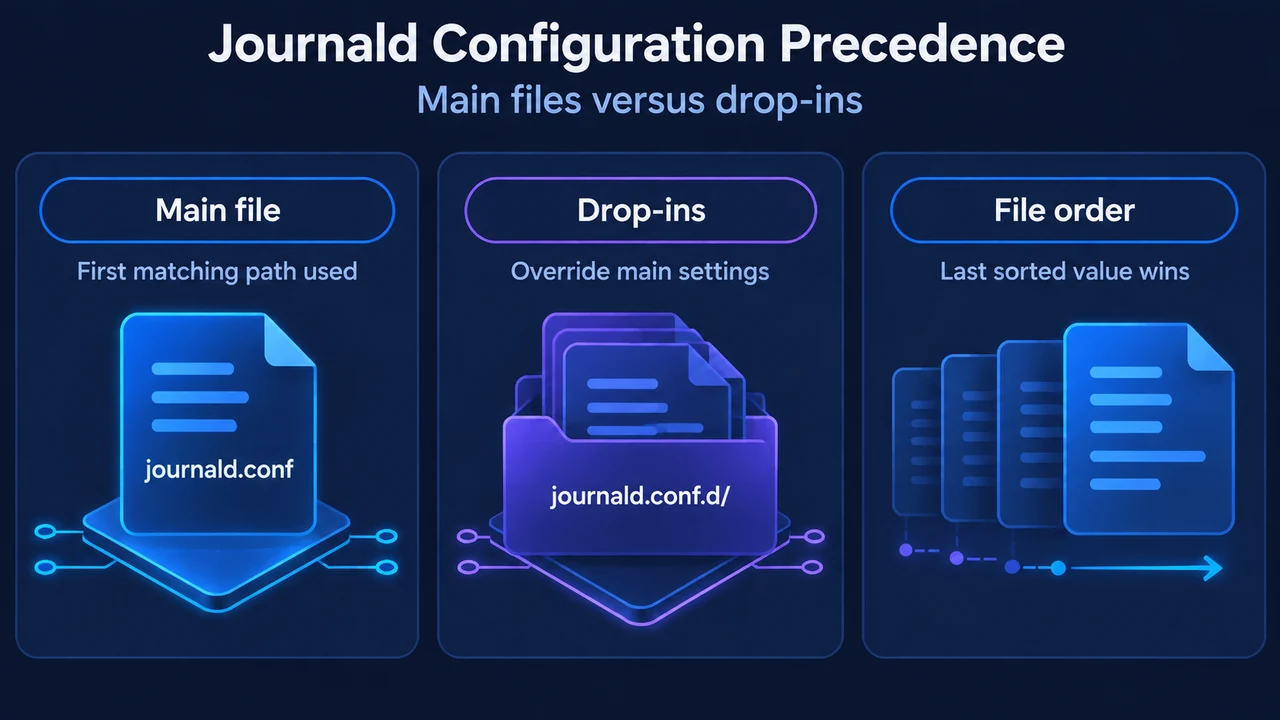
The main configuration file is read from one of several paths in strict order of priority, using only the first file found:
/etc/systemd/journald.conf/run/systemd/journald.conf/usr/local/lib/systemd/journald.conf/usr/lib/systemd/journald.conf
To override settings without editing vendor files, drop-in snippets can be placed in *.conf.d/ subdirectories. Drop-in files take precedence over the main configuration file and are read from:
/usr/lib/systemd/*.conf.d//usr/local/lib/systemd/*.conf.d//etc/systemd/*.conf.d/
Files in these drop-in subdirectories are processed in lexicographic order by filename, regardless of which directory contains them. The documentation recommends prefixing all filenames in these subdirectories with a two-digit number and a dash to simplify the ordering.
Configuration Example
To configure retention limits using a drop-in file, place a file such as /etc/systemd/journald.conf.d/60-retention.conf on the system with the following contents:
[Journal]
SystemMaxUse=2G
SystemKeepFree=5G
MaxRetentionSec=1month
Under this configuration snippet:
SystemMaxUse=2Gsets a 2-gigabyte cap on persistent journal storage in/var/log/journal.SystemKeepFree=5Gdirectssystemd-journaldto leave at least 5 gigabytes free on the filesystem.MaxRetentionSec=1monthmarks archived files containing entries older than one month for deletion.
Research Methodology and Limitations
This reference was prepared directly from public manual excerpts for journald.conf(5). It covers the documented retention mechanics, precedence rules, and defaults described in that visible documentation, but it does not document unexcerpted operational procedures, version-specific variations beyond explicit version annotations in the source (such as MaxFileSec= added in version 195), or unverified commands. The competitor URL excerpt provided only navigation text and contained no tutorial content, so no comparative evaluation was possible.
Text version of the diagrams
- Three Journald Retention Controls: SystemMaxUse — Caps journal disk usage; SystemKeepFree — Reserves filesystem space; MaxRetentionSec — Limits entry age
- Journald Configuration Precedence: Main file — First matching path used; Drop-ins — Override main settings; File order — Last sorted value wins