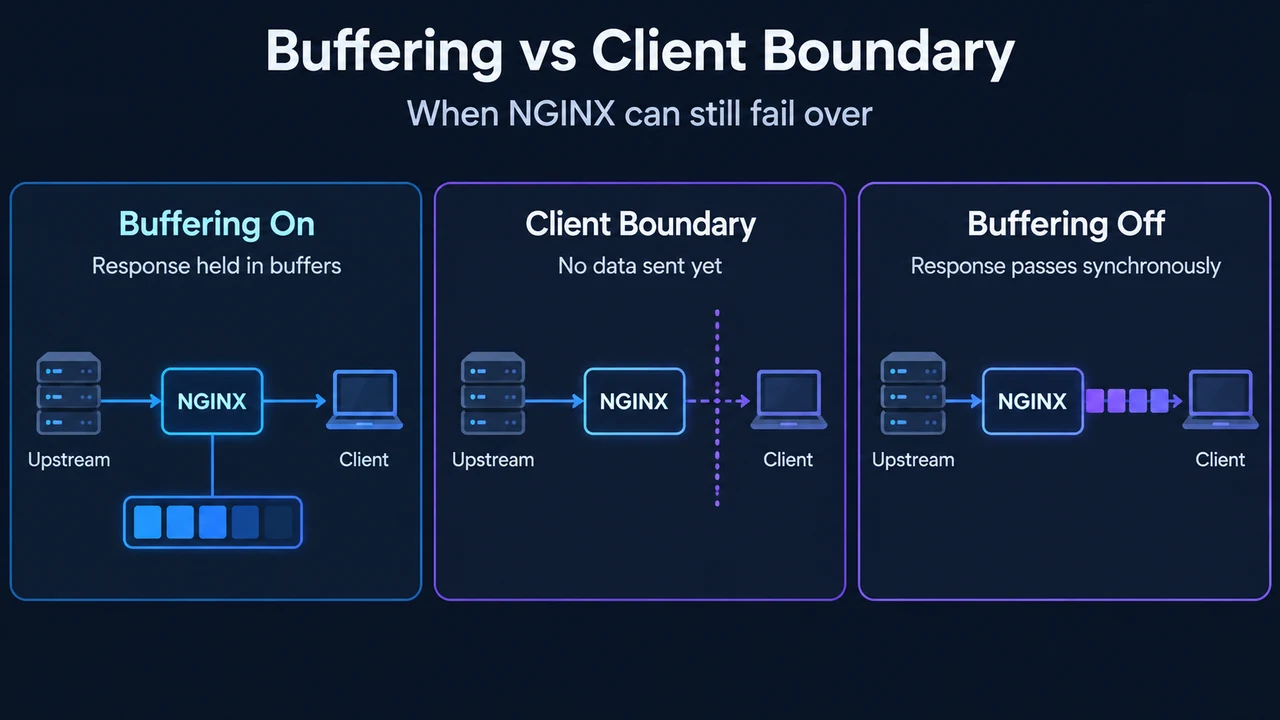
How Nginx Handles Client Request Bodies
When an HTTP client sends data in a request body, Nginx reads that payload using directives defined in ngx_http_core_module. Configuration directives specify the memory buffer allocated for reading the body, temporary file locations, and overall body size limits.
According to the official Nginx ngx_http_core_module documentation, these controls are configured using distinct directives across the http, server, and location contexts.
Memory Buffers: client_body_buffer_size
The client_body_buffer_size directive sets the buffer size used for reading the client request body:
Syntax: client_body_buffer_size size;
Default: client_body_buffer_size 8k|16k;
Context: http, server, location
By default, the buffer size equals two memory pages:
- 8K on x86, other 32-bit platforms, and x86-64.
- Usually 16K on other 64-bit platforms.
If the client request body is larger than this configured buffer, the whole body or only its part is written to a temporary file.
Temporary Files: client_body_temp_path and File Directives
When request body data is written to a temporary file, the directory and hierarchy are configured with client_body_temp_path:
Syntax: client_body_temp_path path [level1 [level2 [level3]]];
Default: client_body_temp_path client_body_temp;
Context: http, server, location
This defines a directory for storing temporary files holding client request bodies, supporting up to a three-level subdirectory hierarchy. Its default path is client_body_temp.
Saving Request Bodies to File Directly
Related core module directives control file and buffer retention:
client_body_in_file_only on | clean | off;(Default:off; Context:http,server,location): Determines whether Nginx saves the entire client request body into a file. This directive can be used during debugging, or when using the$request_body_filevariable or the$r->request_body_filemethod ofngx_http_perl_module. The valuecleancauses temporary files left after request processing to be removed, whereasonprevents their removal. It is incompatible with modules using unbuffered request body processing (such asngx_http_grpc_module), is incompatible with modules writing the request body to a file (such asngx_http_dav_module), and is ignored when the request body is read early.client_body_in_single_buffer on | off;(Default:off; Context:http,server,location): Determines whether Nginx saves the entire client request body in a single buffer. It is recommended when using the$request_bodyvariable to save copy operations.
Configuring Body Size Limits
Nginx also restricts the maximum allowable request body via client_max_body_size:
Syntax: client_max_body_size size;
Default: client_max_body_size 1m;
Context: http, server, location
If a request exceeds this configured limit, Nginx returns a 413 (Request Entity Too Large) error to the client, though browsers may not display this error correctly. Setting size to 0 disables checking the client request body size.
The documentation illustrates these directives within a server configuration:
server {
    listen 8000;
    client_max_body_size 256;
    client_body_buffer_size 256;
}
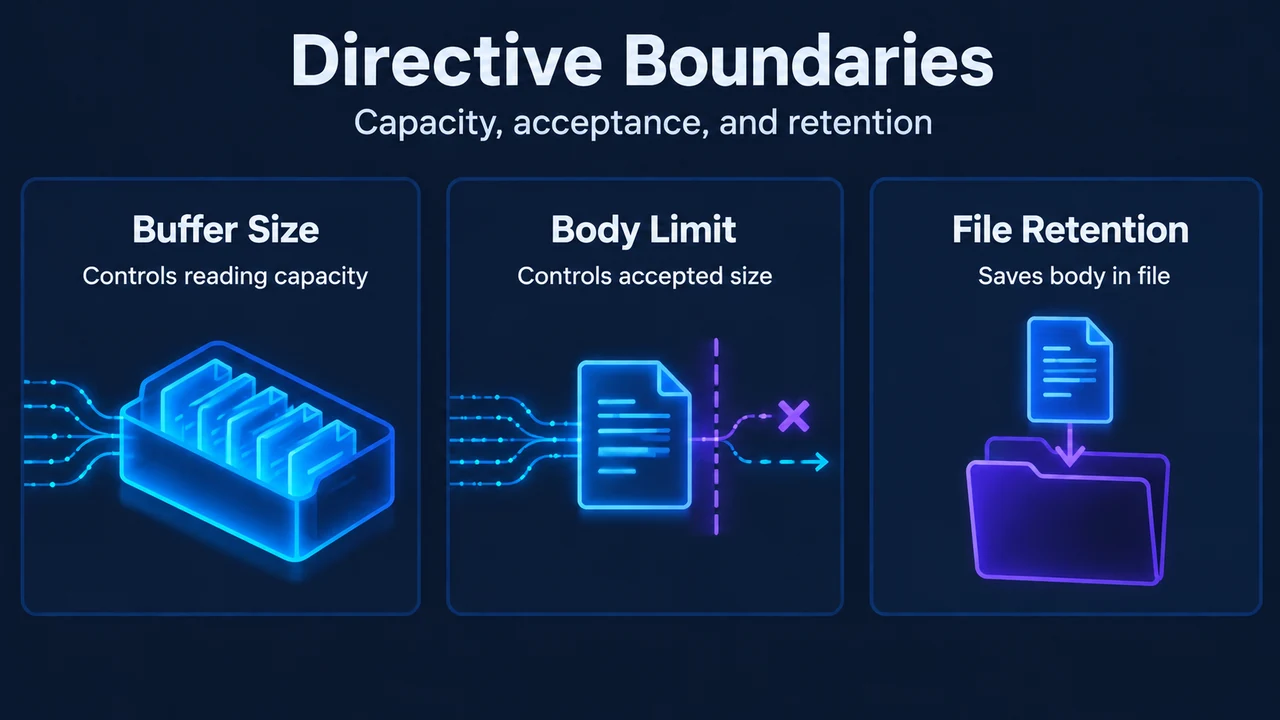
In this configuration, client_max_body_size limits the overall accepted body size, while client_body_buffer_size sets the buffer size for reading the request body. If the request body is larger than the configured buffer, the whole body or only its part is written to a temporary file.
Text version of the diagrams
- NGINX Body Storage: Body Input — Client sends request data; Memory Buffer — Configured reading capacity; Temp File — Stores all or part
- Directive Boundaries: Buffer Size — Controls reading capacity; Body Limit — Controls accepted size; File Retention — Saves body in file
Research Method and Limitations
This article was prepared strictly from the supplied public documentation excerpts for Nginx ngx_http_core_module. Competing coverage was not accessible in the provided source materials, so comparative analysis cannot be made. The source text contains truncated excerpts, and unseen passages were not treated as support. The excerpts explicitly define that bodies larger than client_body_buffer_size cause all or part of the body to be written to a temporary file, but they do not enumerate all conditions or module behaviors that may trigger file writes. No tests, benchmarks, or undocumented operational behaviors were assumed.