Scope and Core Purge Mechanisms in Cloudflare CDN
Content delivery networks (CDNs) cache responses at edge locations to minimize origin server load and deliver assets rapidly to end users. When origin assets change, cached copies must be invalidated so visitors receive updated data. In Cloudflare’s cache management architecture, invalidation is executed via Instant Purge, which applies updates immediately across the network.
Cloudflare designates single-file cache purging (purge by URL) as its recommended purge method. However, multiple purging scopes exist depending on architectural requirements and operational scale. For comprehensive technical specifications, refer to Cloudflare Purge Cache Documentation.
Documented Purge Scope Types
According to Cloudflare’s official documentation, cache invalidation can target assets at several granularities:
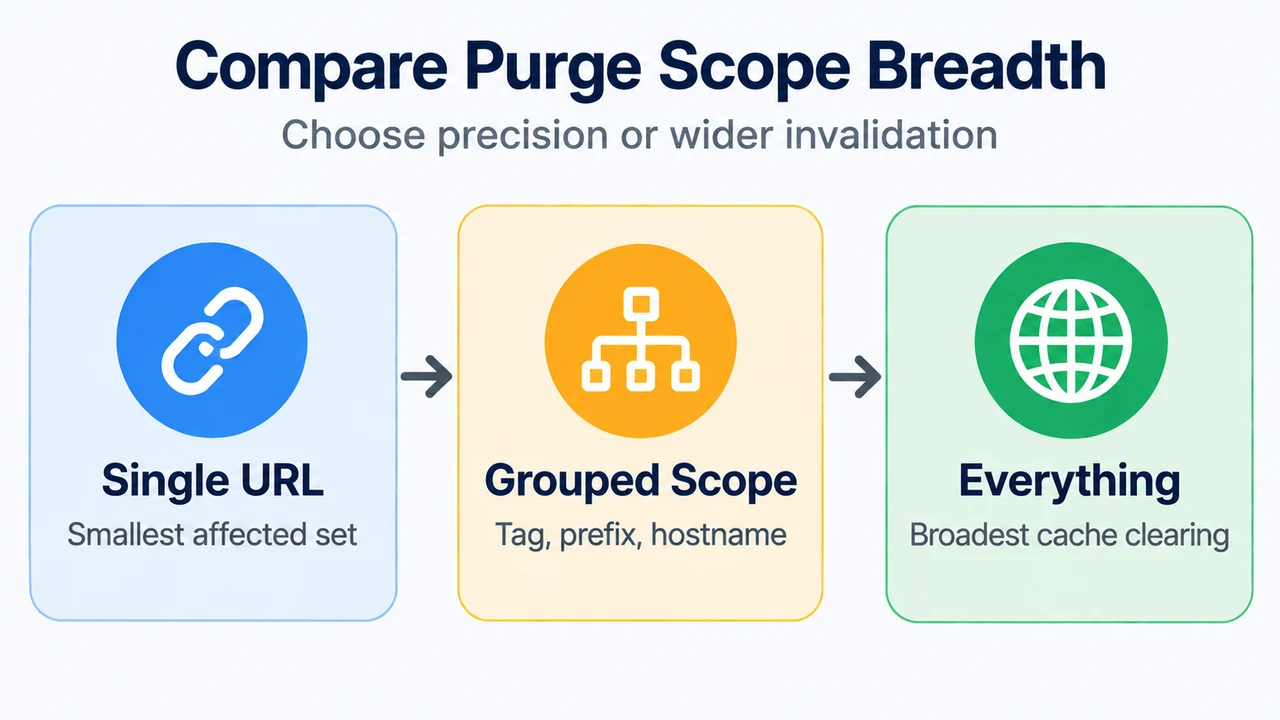
- Single-File (Purge by URL): Invalidates an exact, individual asset URL. Recommended by Cloudflare as the primary method to refresh specific files without affecting unrelated cached content.
- Purge by Cache-Tags: Clears resources associated with specific metadata tags assigned during caching.
- Purge by Hostname: Clears assets mapped to an entire specific hostname.
- Purge by Prefix (URL): Clears groups of assets matching a specific URL prefix or directory path.
- Purge Everything: Clears the entire cache zone across the deployment.
- Additional Documented Options: Cloudflare also supports purging cache key resources, purging varied images, and purging zone versions via API.
Rate Limits and Token Bucket Throttling
Purge requests are subject to strict account-level rate limits governed by a token bucket rate-limiting algorithm. This mechanism maintains an orderly flow of invalidation requests while permitting brief bursts when tokens accumulate.
Under the token bucket system, tokens refill at a steady rate up to a designated maximum bucket capacity. Each request consumes tokens; if the bucket empties, subsequent purge operations must wait until tokens replenish.
Single-File URL Purge Limits
Thresholds for single-file URL purges are calculated using a moving average and enforced per account:
| Plan Tier | URL Throughput | Max Operations per Request |
|---|---|---|
| Free | 800 URLs per second | 100 |
| Pro | 1,500 URLs per second | 100 |
| Business | 1,500 URLs per second | 100 |
| Enterprise | 3,000 URLs per second | 500 |
Hostname, Tag, Prefix, and Purge Everything Limits
Broader invalidation scopes operate under distinct account-level constraints:
| Plan Tier | Request Rate | Bucket Size | Max Operations per Request |
|---|---|---|---|
| Free | 5 requests per minute | 25 | 100 |
| Pro | 5 requests per second | 25 | 100 |
| Business | 10 requests per second | 50 | 100 |
| Enterprise | 50 requests per second | 500 | 100 |
Multi-Zone Plan Sharing Constraints
A critical architectural limitation involves how rate limits apply across multiple zones. If an account manages multiple zones on the same service tier, those zones share a single rate-limit allocation. For instance, all zones on a Pro plan within one account collectively consume the Pro tier’s limit of 5 requests per second and bucket size of 25.
Consequently, high-frequency purge operations in one zone can deplete the shared token bucket, temporarily delaying invalidation operations across sibling zones on that tier.
Text version of the diagrams
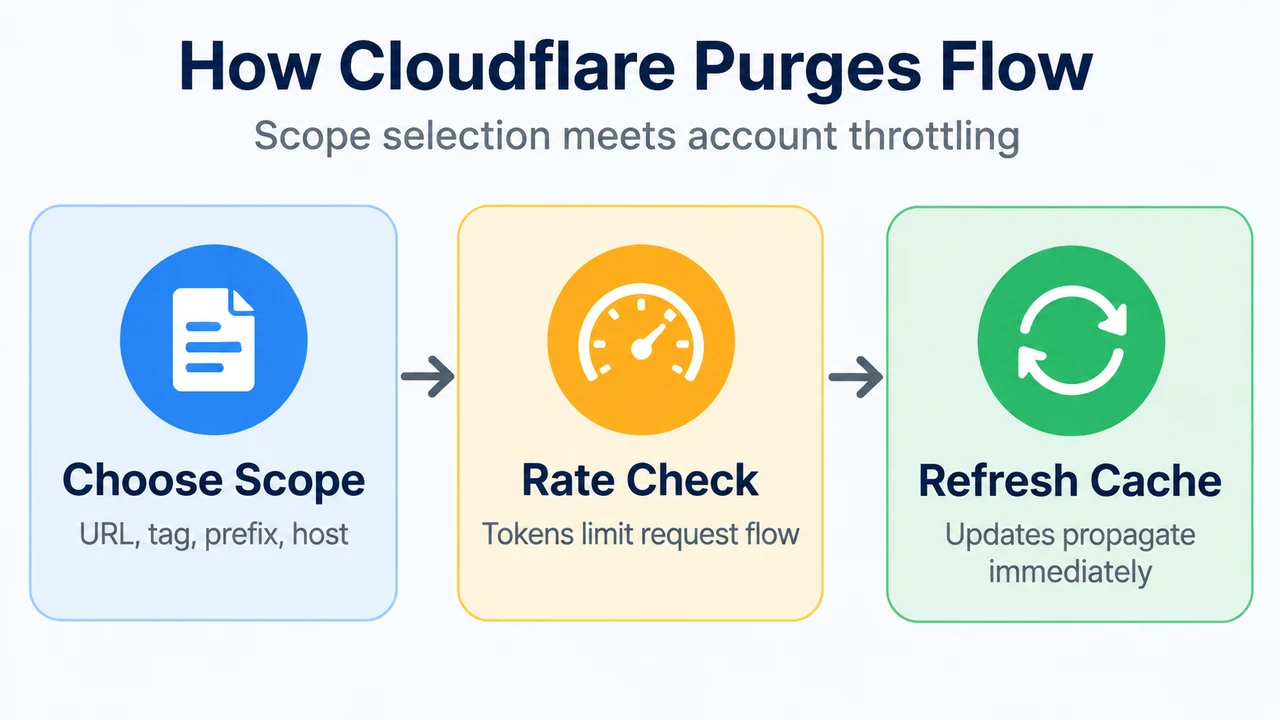
- How Cloudflare Purges Flow: Choose Scope — URL, tag, prefix, host; Rate Check — Tokens limit request flow; Refresh Cache — Updates propagate immediately
- Compare Purge Scope Breadth: Single URL — Smallest affected set; Grouped Scope — Tag, prefix, hostname; Everything — Broadest cache clearing
Research Methodology and Limitations
This technical summary is synthesized exclusively from publicly available primary documentation fetched on September 16, 2026, specifically Cloudflare’s official cache purge documentation updated August 14, 2026. This guide does not claim empirical lab testing or proprietary benchmarking. Feature options and rate boundaries apply strictly as defined within the verified Cloudflare service tiers; enterprise customers requiring higher operational thresholds must consult their account teams as documented by the vendor.