Understanding Cache Bypass Versus Cache Purging
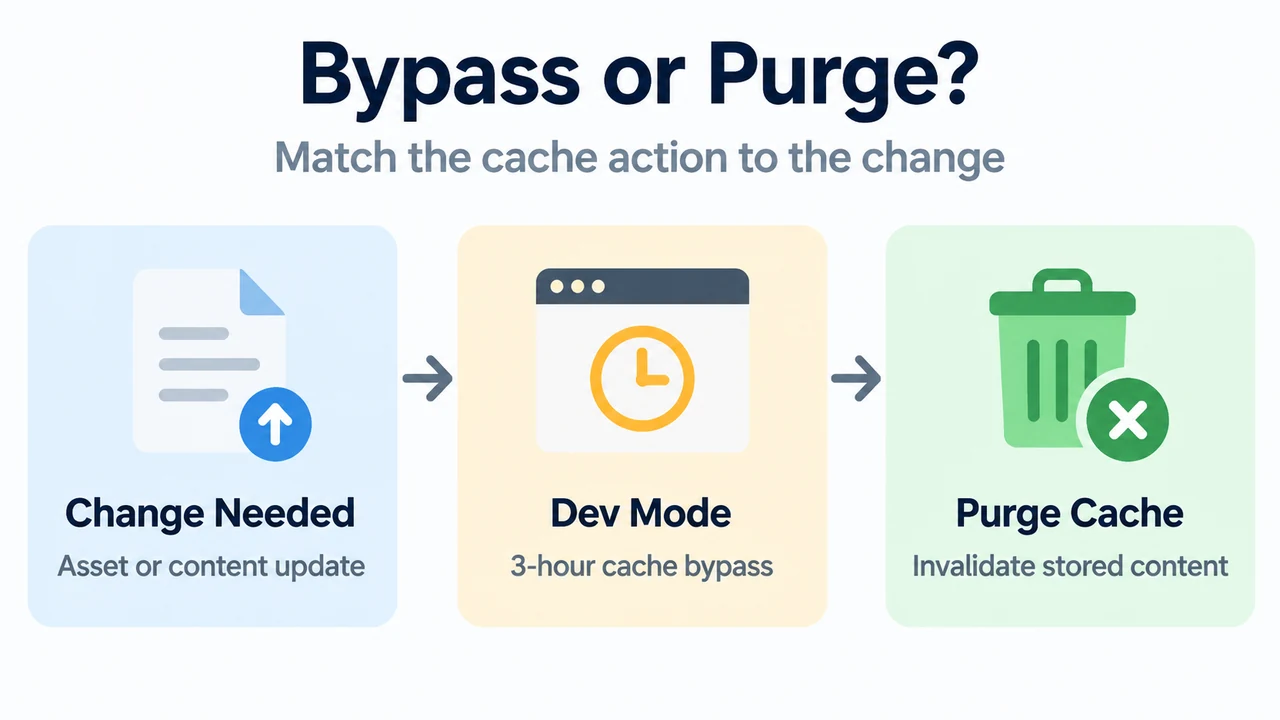
Cloudflare offers two separate mechanisms for viewing content changes: Development Mode and Instant Purge. Development Mode temporarily bypasses the cache without deleting files. Instant Purge removes cached content so updates show immediately.
What Is Cloudflare Development Mode?
Development Mode temporarily suspends Cloudflare’s edge caching and Polish features for three hours unless it is disabled earlier. It enables customers to immediately observe changes to cacheable files such as images, CSS, or JavaScript.
Documented features of Development Mode include:
- Temporary duration: Lasts for three hours unless turned off manually beforehand.
- Cache bypass: Temporarily bypasses edge caching without purging cached assets.
- Feature suspension: Suspends edge caching and Polish features during operation.
- Targeted observation: Lets users view updates to cacheable assets like CSS, JavaScript, and images right away.
- Activation: Enabled in the Cloudflare dashboard by visiting the Configuration page and toggling Development Mode to On.
What Is Cloudflare Cache Purge?
Cloudflare’s Instant Purge ensures that updates to your content are reflected immediately. Single-file cache purging (purge by URL) is the recommended method.
Available purge options include:
- Purge by single-file (recommended)
- Purge everything
- Purge cache by cache-tags
- Purge cache by hostname
- Purge cache by prefix (URL)
- Purge cache key resources
- Purge varied images
- Purge zone versions via API
Purge by URL, Hostname, Tag, Prefix, and Purge Everything are available across Free, Pro, Business, and Enterprise plans.
Key Differences: Development Mode vs. Instant Purge
| Feature | Development Mode | Instant Purge |
|---|---|---|
| Mechanism | Temporarily bypasses edge cache | Invalidates stored cached content |
| Cached Content Status | Does not delete cached files | Purges content immediately |
| Duration | Active for three hours unless disabled earlier | Executes immediately upon request |
| Polish Feature | Suspended alongside edge caching | Not documented as suspended |
| Rate Limits | No documented token bucket limits | Governed by account-tier token bucket rate limits |
Purge Rate Limits and Token Bucket Architecture
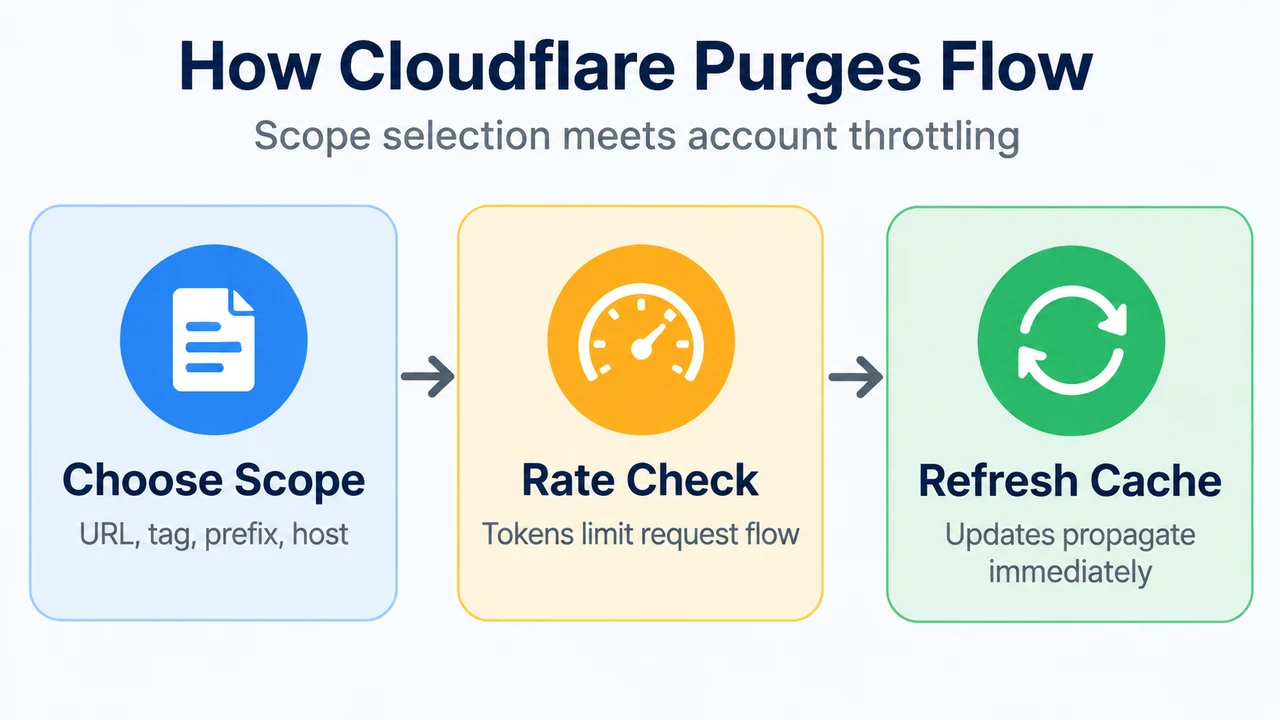
Cloudflare enforces token bucket rate limiting on purge requests to maintain a steady flow. Limits are applied per account. If an account has zones on different plans, zones sharing the same plan level share that plan’s limit.
Hostname, Tag, Prefix URL, and Purge Everything Limits
- Free: 5 requests per minute, bucket size of 25 tokens, max 100 operations per request.
- Pro: 5 requests per second, bucket size of 25 tokens, max 100 operations per request.
- Business: 10 requests per second, bucket size of 50 tokens, max 100 operations per request.
- Enterprise: 50 requests per second, bucket size of 500 tokens, max 100 operations per request.
Single-File Purge Limits
- Free: 800 URLs per second (calculated as a moving average), max 100 operations per request.
- Pro: 1,500 URLs per second (calculated as a moving average), max 100 operations per request.
- Business: 1,500 URLs per second (calculated as a moving average), max 100 operations per request.
- Enterprise: 3,000 URLs per second (calculated as a moving average), max 500 operations per request.
Requests proceed only when tokens are available. Tokens refill at a steady rate up to the bucket capacity, supporting short bursts. When a bucket is empty, requests must wait for new tokens. Enterprise customers who need more operations can contact their account team for support.
Choosing Between Development Mode and Purging
- Choose Development Mode: When testing or iterating on assets like images, CSS, or JavaScript and you want to bypass the cache without clearing stored files.
- Choose Single-File Purge: When pushing specific asset updates to live visitors and you want those URL changes reflected immediately using the vendor-recommended approach.
- Choose Other Purge Methods: When invalidating wider groups of assets via cache-tags, hostname, prefix (URL), cache key resources, varied images, zone versions via API, or by purging everything.
Text version of the diagrams
- Bypass or Purge?: Change Needed — Asset or content update; Dev Mode — 3-hour cache bypass; Purge Cache — Invalidate stored content
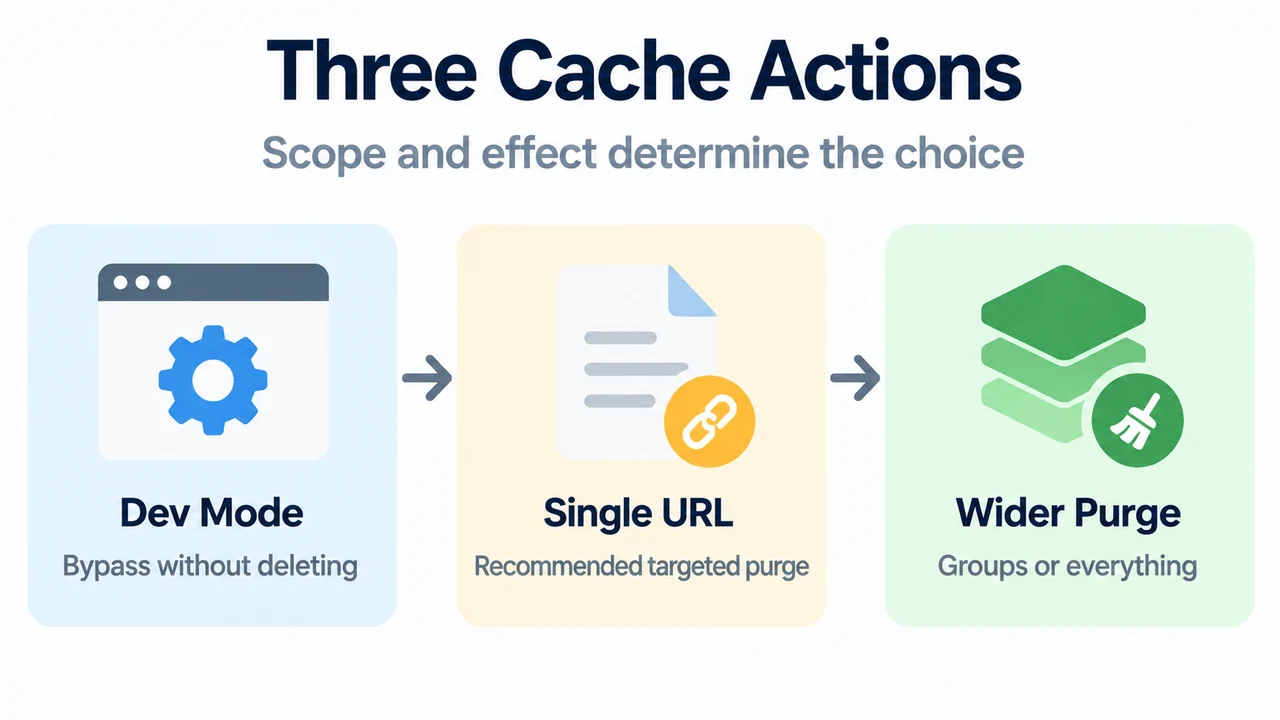
- Three Cache Actions: Dev Mode — Bypass without deleting; Single URL — Recommended targeted purge; Wider Purge — Groups or everything