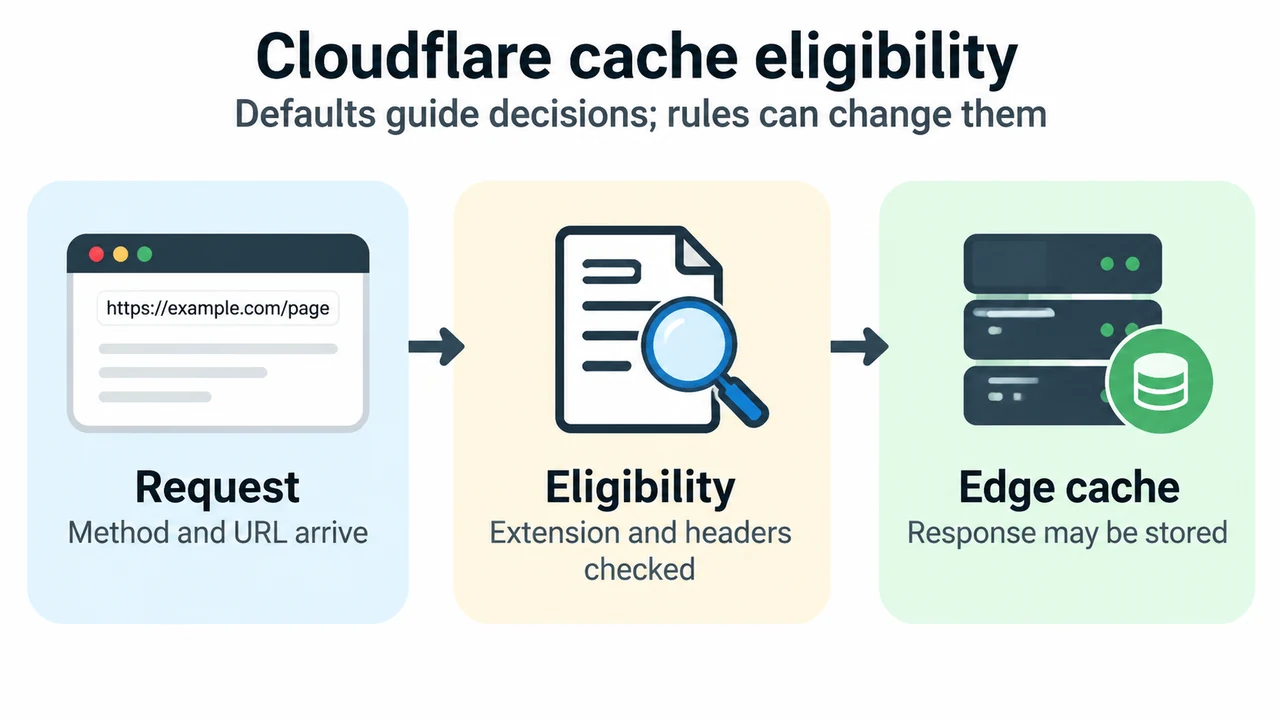
Cloudflare documents default rules for deciding whether a response is eligible for edge caching. Those defaults are a starting point, not a guarantee about every zone: origin headers, Cache Rules, Workers, plan settings, and other configuration can change the result.
What the documented defaults cover
Cloudflare caches by file extension rather than MIME type. A request must use GET; the documentation lists extensions such as CSS, JavaScript, images, fonts, and PDF. Cloudflare does not cache HTML or JSON by default. It also documents default edge TTLs for some status codes when cache headers are absent: 200, 206, and 301 responses use 120 minutes; 302 and 303 use 20 minutes; 404 and 410 use 3 minutes. Other status codes are not cached by default.
Headers can change eligibility
Cloudflare says it does not cache a resource when the response has Set-Cookie, or when Cache-Control is private, no-store, no-cache, or max-age=0. It can cache when the origin sends Cache-Control: public with a positive max-age, or a future Expires value. The documented behavior depends on Origin Cache Control and its plan-specific defaults.
WordPress HTML needs an actual configuration check
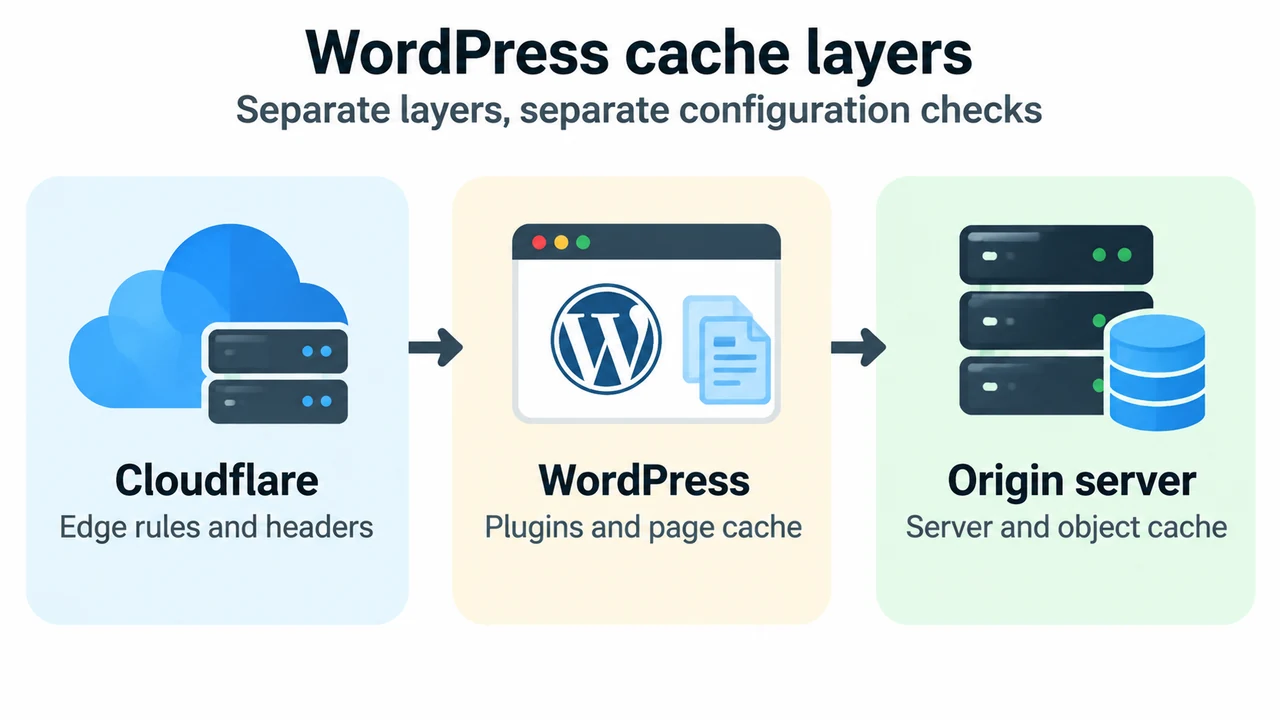
A normal WordPress page URL does not have a static file extension, so Cloudflare’s default extension rule does not make it edge-cached. A site owner can add Cache Rules or use Workers to customize this behavior. WordPress itself may also use page, browser, object, or server caching. These are separate layers and must be checked separately.
Do not infer from a generated static page, a cache plugin, or a fast response alone that Cloudflare cached the response at the edge. Inspect the actual response headers and the zone’s effective rules. Authenticated or personalized requests also require an explicit review of the site’s real headers and rules; this article does not claim that WordPress automatically emits one universal cookie or private-cache pattern.
Request collapsing
For a simultaneous cache miss for the same asset at one Cloudflare data center, the documentation describes a cache lock: the first request is forwarded to the origin and waiting requests receive the response after it arrives. This describes the documented mechanism and does not establish that every request is collapsed in every configuration.
Safe diagnostic checklist
- Record the exact URL, method, status, and response headers.
- Check whether the URL has an eligible static extension or is HTML/JSON.
- Review effective Cache Rules, Workers, plan settings, and origin cache headers.
- Repeat as an anonymous request and label cache state; do not use private credentials.
These checks explain a response under the observed configuration. They do not prove performance for every visitor or justify changing a cache rule without a rollback plan.
Text version of the diagrams
- Cloudflare cache eligibility: Request — Method and URL arrive; Eligibility — Extension and headers checked; Edge cache — Response may be stored
- WordPress cache layers: Cloudflare — Edge rules and headers; WordPress — Plugins and page cache; Origin server — Server and object cache
Sources and method
This is a research-based explanation of Cloudflare’s documented default cache behavior and the WordPress caching overview, retrieved on 16 September 2026. We did not benchmark a hosting plan or test the reader’s configuration.