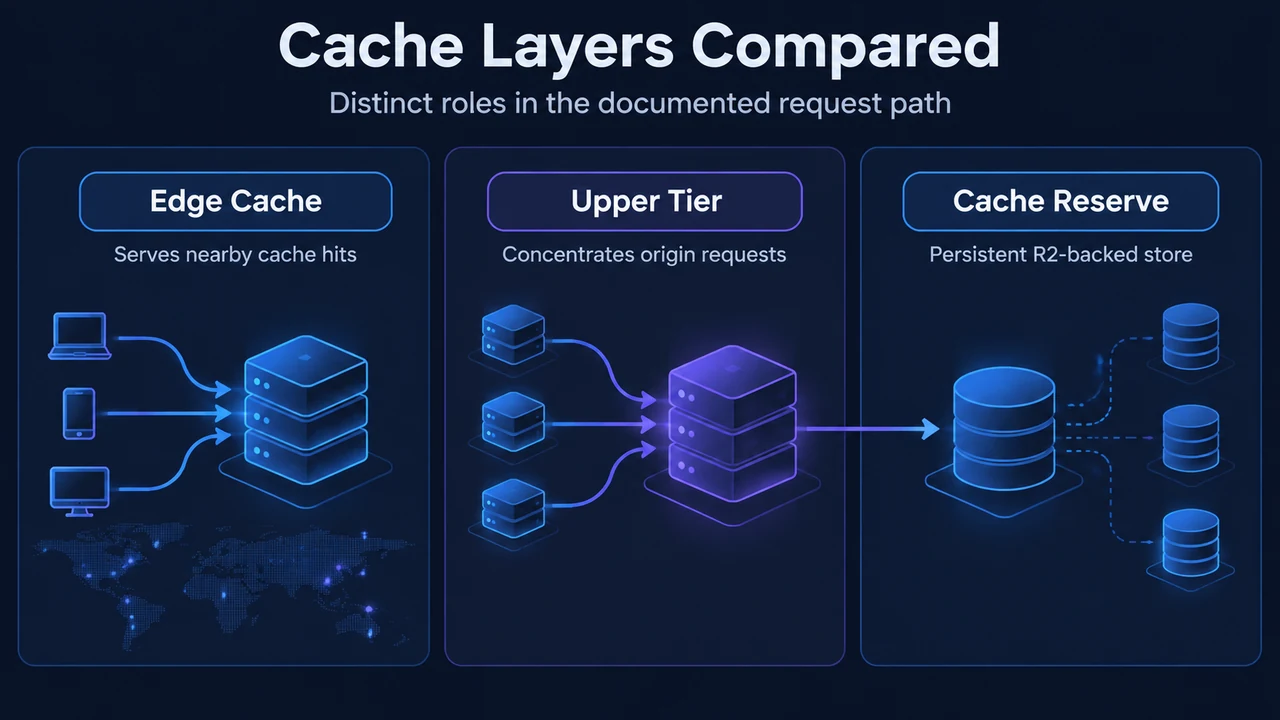
Cloudflare Cache Reserve is a persistent data store built on Cloudflare R2 designed to save origin egress bandwidth. When an asset misses in Cloudflare’s edge cache, Cache Reserve can serve the data downstream before an origin fetch is required. Enabling Tiered Cache alongside Cache Reserve concentrates edge traffic through upper-tier data centers, preventing widespread direct reads against storage.
Research Method and Limitations
This explanation is based exclusively on the provided public documentation excerpts for Cloudflare Cache Reserve and Tiered Cache. Competing third-party documentation and independent benchmark testing were unavailable. A material limitation of the source text is that the Cache Reserve excerpt is truncated; specifically, evidence regarding a 30-day retention duration or request-driven retention resets is missing from the visible text. Consequently, retention is described here only to the extent of the visible text: assets purged by tag, host, prefix, or purge everything continue to incur storage charges until their retention TTL expires.
Tiered Cache Routing Hierarchy
Tiered Cache divides Cloudflare data centers into lower tiers and upper tiers to protect origin servers from redundant cache misses:
- Lower-Tier Misses: Lower-tier data centers (typically those closest to visitors) receive visitor requests. If an asset is missing at the lower tier, it queries an assigned upper tier.
- Upper-Tier Handling: If the upper tier holds the asset, it returns it to the lower tier. Under documented Tiered Cache mechanics, only the upper tier is permitted to ask the origin for content.
Cloudflare offers several Tiered Cache topologies across Free, Pro, Business, and Enterprise plans. Smart Tiered Cache dynamically selects the lowest-latency upper tier for an origin. For origins hosted on AWS, GCP, Azure, or Oracle Cloud, administrators can configure a cloud region hint so Smart Tiered Cache selects an upper tier near that cloud facility. Generic Global Tiered Cache, Regional Tiered Cache, and Custom Tiered Cache are also available for Enterprise zones.
Cache Reserve Interaction and Architecture Boundary
In documentation, Cache Reserve is described as an R2-based persistent store that integrates with Cloudflare CDN caching:
- Class A Operations (Writes): When a request cannot be served from the CDN cache, Cloudflare fetches the file from the origin. The content is written to Cache Reserve (Class A write) and edge caches on its way back to the visitor.
- Class B Operations (Reads): When a miss occurs in the edge cache, Cloudflare fetches the data from Cache Reserve rather than serving the bytes from the origin server.
While conceptually Cache Reserve acts as an extra caching layer between edge caches and the origin, Cloudflare documentation explicitly describes requests traveling between edge caches, Cache Reserve, and the origin rather than defining Cache Reserve as an official named tier in the Tiered Cache hierarchy. Cloudflare strongly advises pairing Cache Reserve with Tiered Cache: without Tiered Cache, edge cache misses across global data centers query Cache Reserve directly, increasing storage operation costs. The dashboard presents a warning if Cache Reserve is activated without Tiered Cache.
Asset Admission Rules
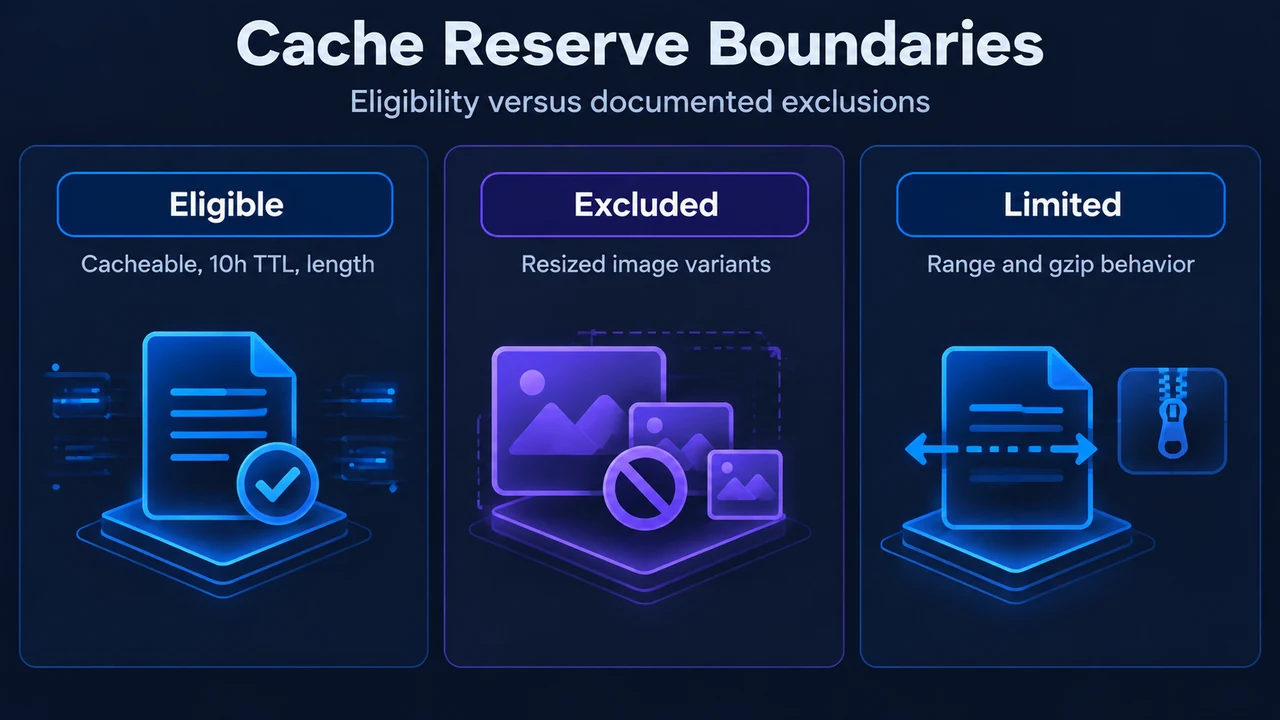
To enter Cache Reserve, responses from the origin must satisfy specific eligibility criteria:
- Standard Cacheability: The asset must meet standard Cloudflare cacheability factors.
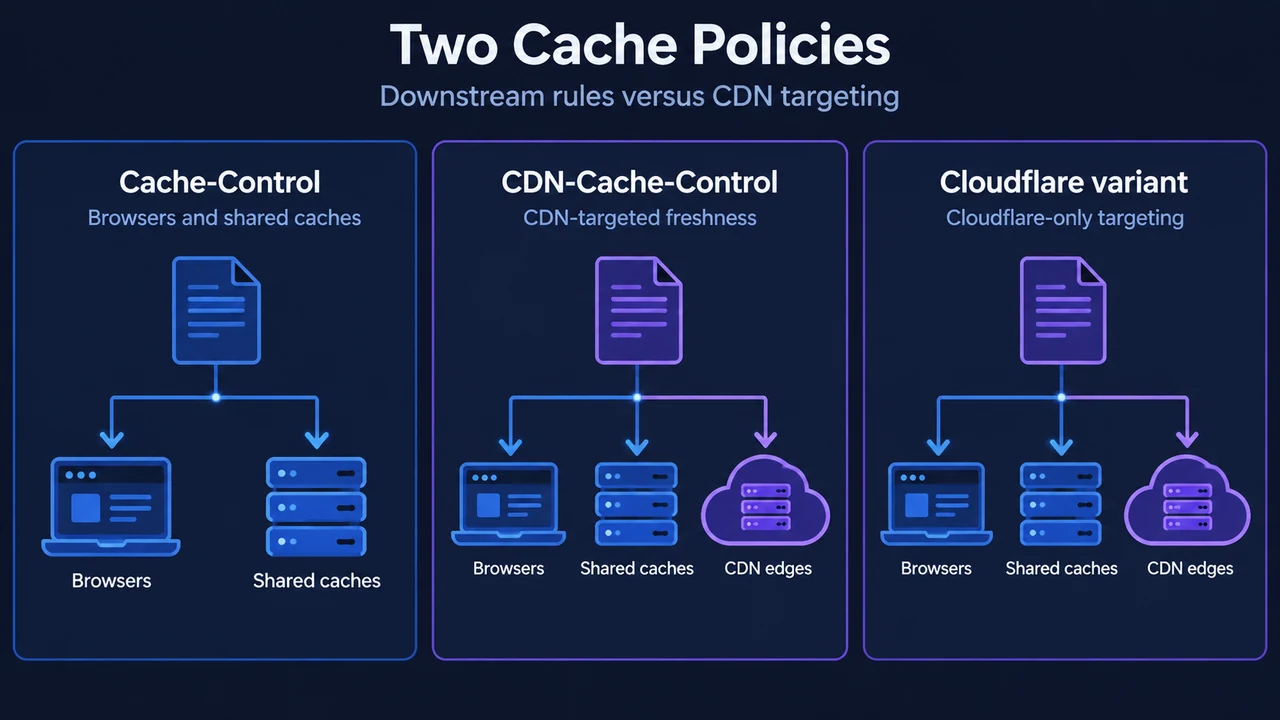
- 10-Hour Minimum Freshness TTL: Assets must have a freshness time-to-live of at least 10 hours. This can be configured through origin headers (such as
Cache-ControlorCDN-Cache-Control), Edge Cache TTL, Cache TTL By Status, or Cache Rules. Responses with freshness windows below 10 hours are not admitted. - Content-Length Header: Origin responses must include a
Content-LengthHTTP response header. - Image Transformations Limitation: When using Image Transformations, original source images can enter Cache Reserve, but resized variants cannot because transformations take place after Cache Reserve in the response flow.
Purge Behaviors and Retention TTL
Purging Cache Reserve assets follows two behaviors based on the method used:
- Purge by URL: Instantly purges the asset from both the edge cache and Cache Reserve without incurring purge operation fees.
- Broader Purges: Purging by tag, host, prefix, or Purge Everything forces a revalidation attempt on the next request for the asset. Assets purged this way still incur storage costs until their retention TTL expires. In addition, Purge Everything does not refresh metadata set by Cache Response Rules (such as cache tags); updating that metadata requires purging the specific URL or waiting for expiration.
Documented System Limits
Cache Reserve operates under defined operational boundaries:
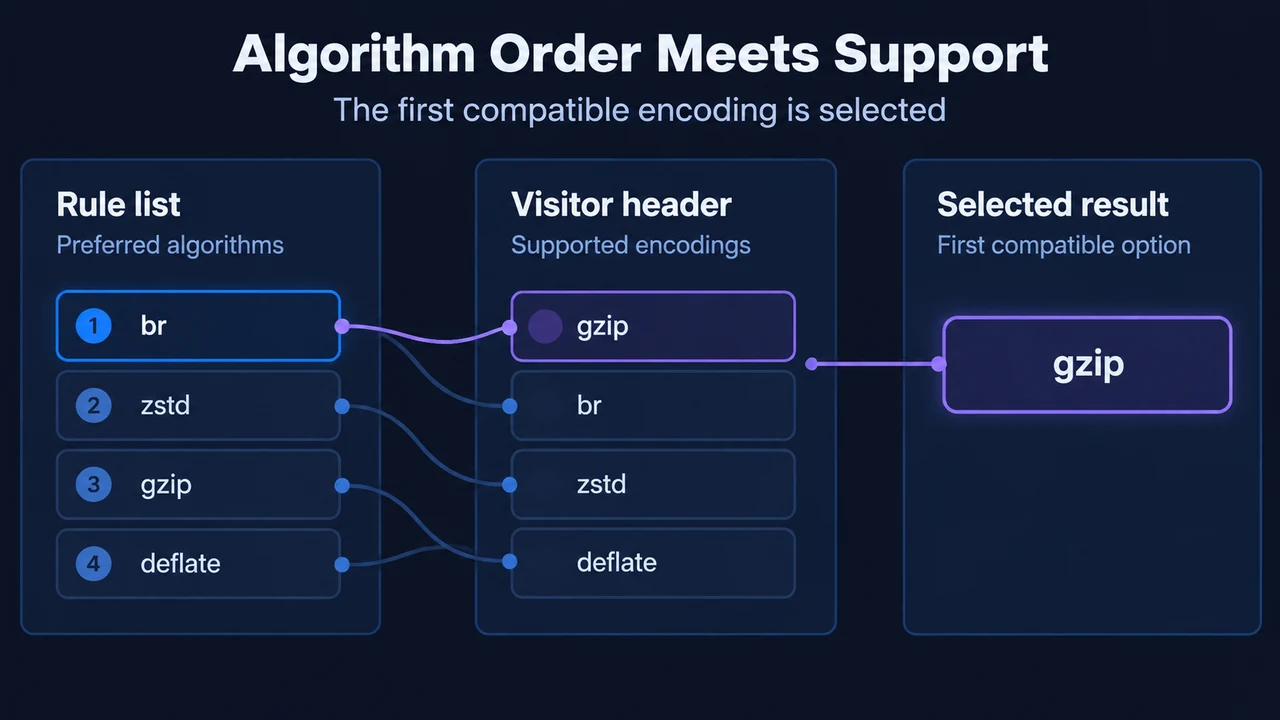
- Origin Encoding: Cache Reserve requests uncompressed content directly from the origin and omits the
Accept-Encoding: gzipheader. - Origin Range Requests: Cache Reserve does not support origin Range requests.
- Incompatibilities: The
Vary for imagessetting is not compatible with Cache Reserve. Furthermore, traffic routed through Cloudflare Orange-to-Orange (O2O) setups bypasses Cache Reserve. - R2 Public Buckets: Requests destined for an R2 public bucket linked to a zone do not route through Cache Reserve.
- File Size Constraints: Cache Reserve follows R2 file limits, while CDN cache limits remain in effect. Assets larger than CDN limits miss the standard edge cache and generate more frequent Cache Reserve operations. Files exceeding 1 GB incur operation charges proportional to their size.
Pricing Rates and Operation Metrics
Cache Reserve pricing is calculated across storage and operation volume:
- Storage: $0.015 per GB-month, billed by total bytes stored across the month (for example, 1 GB stored for 30 days or 2 GB stored for 15 days equals 1 GB-month).
- Class A Operations (Writes): $4.50 per million requests.
- Class B Operations (Reads): $0.36 per million requests.
- Purges: Free of operational charges.
Managing and Deleting Data
Cache Reserve Analytics reports metrics such as estimated origin egress bandwidth savings, total requests served, storage volume, and Class A and Class B operation counts. To delete stored data completely, Cache Reserve must first be toggled off for the zone. Selecting Delete Storage under Delete Cache Reserve Data in the dashboard (or calling the corresponding API endpoint) removes all stored data. Deletion may take up to 24 hours to finish.
Text version of the diagrams
- Cache Layers Compared: Edge Cache — Serves nearby cache hits; Upper Tier — Concentrates origin requests; Cache Reserve — Persistent R2-backed store
- Cache Reserve Boundaries: Eligible — Cacheable, 10h TTL, length; Excluded — Resized image variants; Limited — Range and gzip behavior